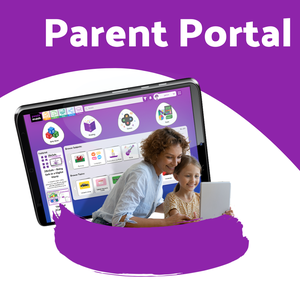
Parent Portal: Quick Start

Stay connected to your child’s learning

The Parent Portal helps you see what your child is working on in Purple Mash, so you can support and celebrate their learning at home.

What you can do

  • See recent work – including homework (2Dos)
  • Read teacher feedback
  • Celebrate achievements
  • Support learning at home
  • Access helpful tips and resources

Get started in 3 steps

  1. Go to your school’s Parent Portal link
  2. Enter your Parent Code (from your child’s login card)
  3. Create your account

Helpful to know

  • You can log your child into Purple Mash from the portal
  • You can switch between children if you have more than one
  • You may receive a weekly email summary of activity

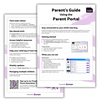
Purple Mash Parent Guides

As part of your access to the Parent Portal, you can access a range of helpful parent guides from Purple Mash.

Latest News:

Parent Summer Reading blog image
Aug. 11, 2026
15 Easy Ways to Support Reading at Home this Summer
Getting your children reading during the summer holidays can sometimes seem like an extra job - an additional cost on top of days out and endless snacks, or like school is creeping …
Parent Portal blog image
April 1, 2026
Building a Better Home-School Connection with the Purple Mash Parent Portal
Get parents engaged with their child's learning with the Parent Portal, a safe and secure space where they can see their child's work, feedback and activity on Purple Mash.
Using EM in the festive period
Dec. 3, 2025
Sharing festive activities and communicating with parents over Christmas
Evidence Me can be used to share festive activities with parents during term time as well as communicate with parents over the school holidays. Take a look at our blog to find …